Image posts · Made with Cal
Restaurant Social Media Post Creator
Put your next favorite dish in the feed.
Create restaurant social posts for menu specials, reservations, and the people behind the food. Use real photos and approved prices in your brief.
Your idea. Your edits. Your approval before anything goes out.
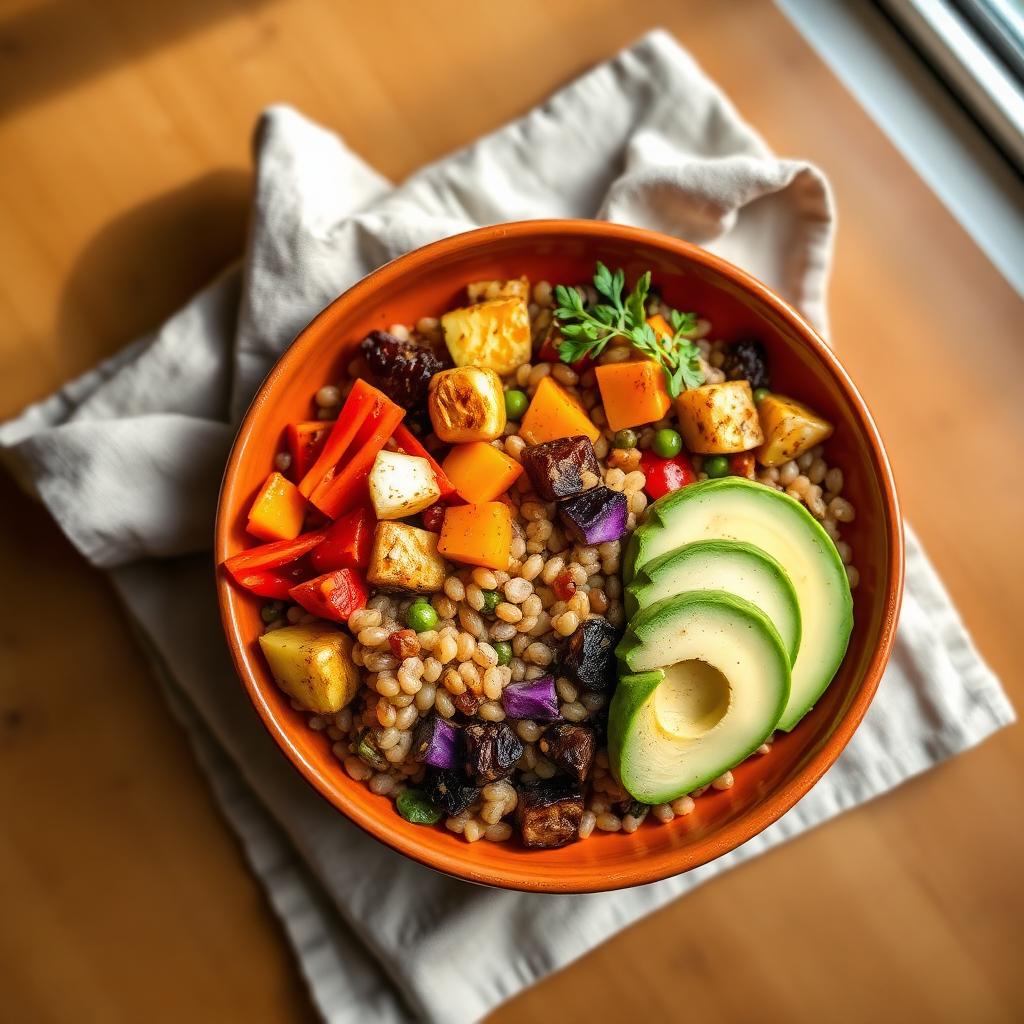
Your next favorite lunch.
The Social SchedulerA table worth making time for.
The Social SchedulerMade here. Shared here.
The Social SchedulerIllustrative concepts · adapt the words and media to your business
Give the idea a purpose
Put your next favorite dish in the feed.
A good restaurant post gives people a reason to visit now: a dish worth noticing, an available table, or a familiar ritual. Start with food that actually comes out of your kitchen and a message that helps someone decide what to do next.
Give the hero photo space. Put the essential words on the graphic and leave menu detail for the caption. A menu special, a quiet weekday invitation, and a story about preparation each deserve their own post.
From a starting point to something worth sharing
Here is how to make it yours.
- 01
Choose the visit occasion
Tell Cal whether the post is about a dish, a reservation, or a real kitchen story. Include exact prices and service details when needed.
- 02
Design around the real food
Open the graphic in Photo Studio to crop, adjust colors, and place readable text. Keep the dish recognizable and the design uncluttered.
- 03
Check the invitation
Review the caption, availability, and booking or order link. Choose future times when the offer will still be valid.
Explore the creative possibilities
One use case. Different ways in.
Your next favorite lunch.
A dish-led post with a simple menu invitation.
A table worth making time for.
An occasion-led reservation post.
Made here. Shared here.
A genuine kitchen or preparation story.
A running start, in your own words
Make the brief
your own.
Replace the brackets with your details. Keep what fits, change what doesn’t, and continue with Cal.
A few things to bring
- Real dish or venue photos and approved menu wording
- Confirmed prices, service times, and availability
- A reservation, order, or menu link
Can I use generated food images?
For an actual menu item, use your own approved photography so the post reflects what customers can order. Generated backgrounds or concept art should not misrepresent the dish or portion.
Can one brief become a week of restaurant posts?
Yes. Specify separate themes, confirmed offers, and dates for each post. Review the batch before generating and adjust each draft’s media and schedule in Group Review.
What happens when I use this brief?
Your editable brief continues into The Social Scheduler through sign-in. Cal helps prepare the content plan. AI generation uses Fire Credits after confirmation; manual image edits and local downloads are free. You review the final content and approve publishing separately.
Go deeper: Explore restaurant marketing workflows