9–11 AM · 2–4 PM · 7–9 PM
Use your audience's local time zone.
The For You feed tests posts over hours, so evening uploads often peak the next morning.
Suggested windows are broad starting points.
How to find your own best time
Choose two or three candidate windows and test them consistently for several weeks. Compare reach, saves, replies, and profile actions for similar content, then shift one variable at a time. Published schedules can help you start; they cannot replace your own audience data.
- Use the audience's local time zone.
- Keep the content type and topic reasonably comparable.
- Record the post time and the engagement outcomes you care about.
- Adjust the day or hour after you have enough comparable posts to spot a pattern.
Put this guide into practice
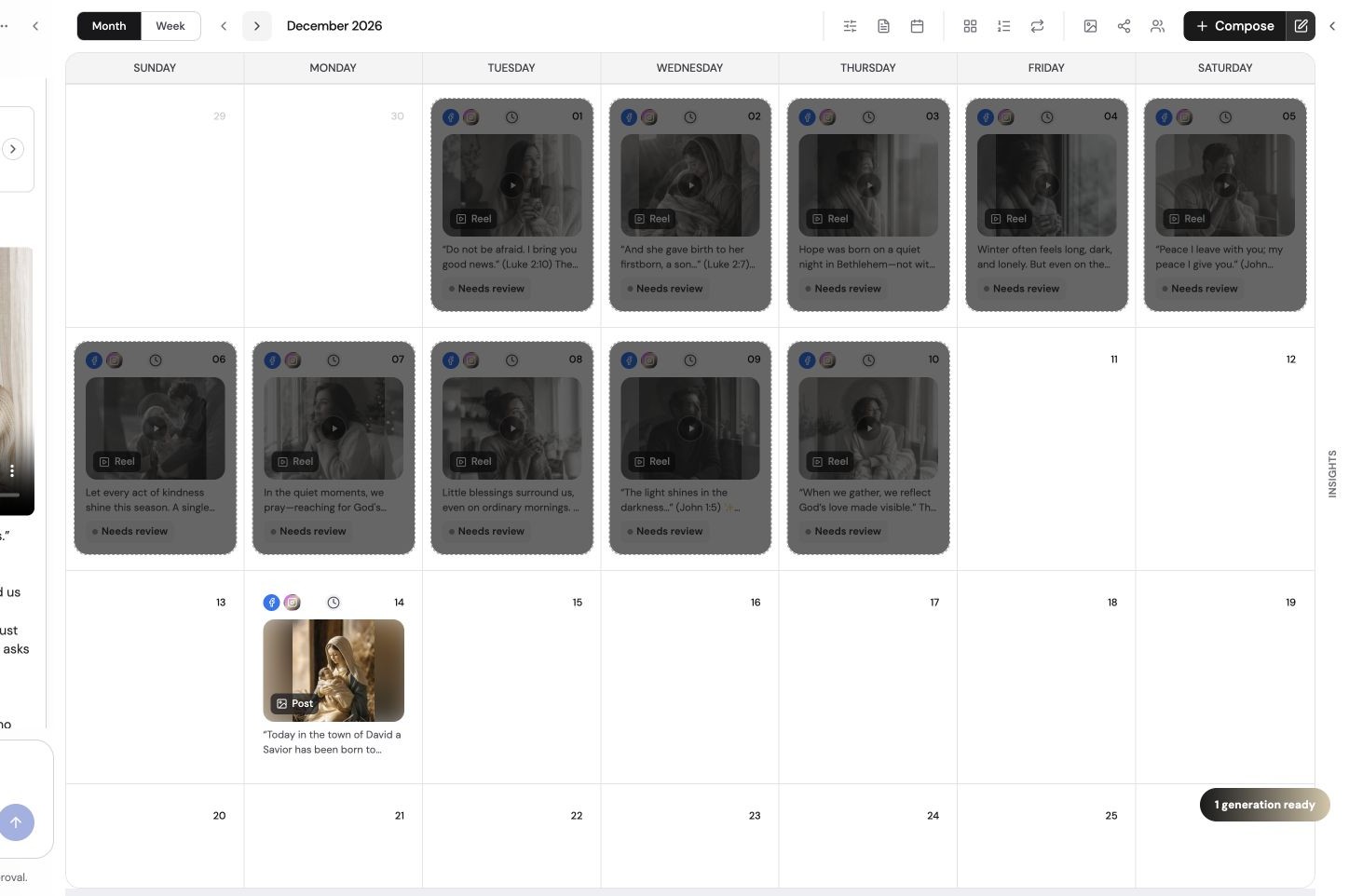
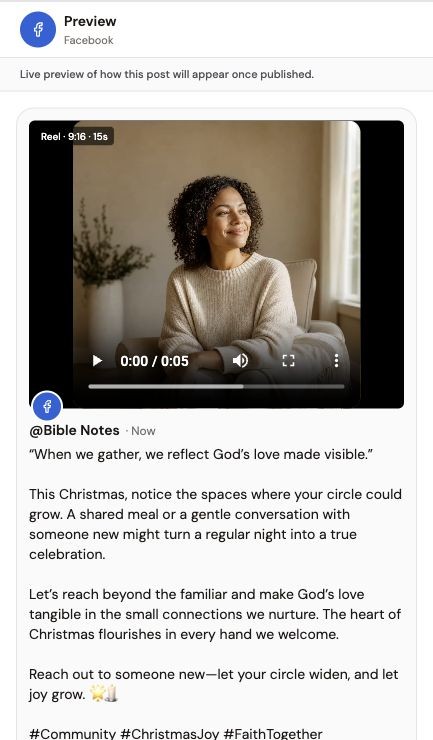
Use these steps alongside the advice above. The screenshots show an example Social Scheduler workspace, not results from your account.
- 01
Choose an audience time zone
Start with the time zone where most followers live. Treat published posting-time averages as hypotheses, not guarantees.
- 02
Plan a controlled test
Use comparable posts and change only the posting hour or day. Keep a record of format, topic and publication time.
- 03
Review your results
Compare reach and engagement in the platform’s own analytics over several weeks. Keep the slots that work for your audience.
See the content workflow
A product overview of briefing, reviewing and scheduling content in The Social Scheduler.
Written walkthrough summary
The overview introduces The Social Scheduler’s brief-to-content process, followed by draft review and calendar planning. It is supporting product context, not a tutorial for every feature discussed in this article. Review facts and destination settings before publishing; AI usage is metered, not unlimited.
References and further reading
Published by The Social Scheduler. Product examples illustrate our own workflow. Check current vendor documentation for pricing, platform rules and feature availability. Links below are supporting references, not a claim that every statement in this article has been independently tested.