Video & reels · Made with Cal
Real Estate Listing Video Maker
Let the real space tell the story.
Plan listing videos from your real property photos and approved details. Edit the sequence, caption, and viewing invitation before scheduling.
Your idea. Your edits. Your approval before anything goes out.
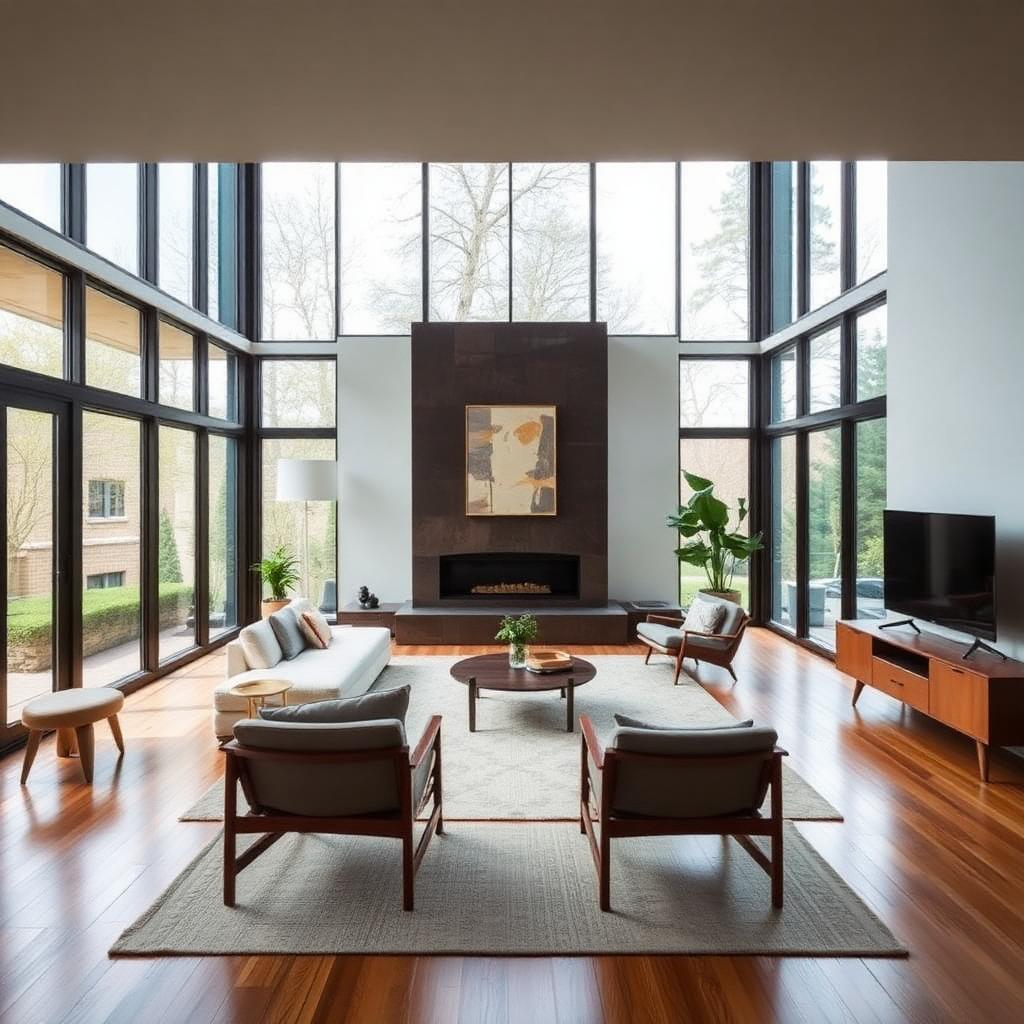
A closer look at home.
The Social SchedulerThe detail worth seeing.
The Social SchedulerCome take a look.
The Social SchedulerIllustrative concepts · storyboard directions, not finished footage
Give the idea a purpose
Let the real space tell the story.
A listing video should make the real property easier to understand. Lead with an authentic feature, follow a sensible room sequence, and give viewers a clear route to more information or a showing. Accuracy matters more than a cinematic invention.
Use the actual listing photos or footage as the source for the property. Plan the opening, the order of the rooms, and the invitation separately. Keep approved facts such as address, price, and availability in the brief so they can be reviewed together.
From a starting point to something worth sharing
Here is how to make it yours.
- 01
Gather the approved listing
Supply the real media and exact facts. Specify which address details, brokerage labels, and viewing information belong on screen.
- 02
Edit the property story
Use your source media in Video Studio and arrange the sequence around the genuine space. Refine captions and pacing without inventing rooms or amenities.
- 03
Verify before sharing
Check the property, dates, price, and disclosures against the active listing. Apply the final video and schedule only while the information remains current.
Explore the creative possibilities
One use case. Different ways in.
A closer look at home.
A real-room sequence with a simple viewing invitation.
The detail worth seeing.
A feature-led introduction using actual listing media.
Come take a look.
An open-house reminder with confirmed details.
A running start, in your own words
Make the brief
your own.
Replace the brackets with your details. Keep what fits, change what doesn’t, and continue with Cal.
A few things to bring
- Your actual property photos or footage, with permission to use them
- Approved listing facts, current availability, and required brokerage wording
- A showing or listing link and the location information you want public
Should I generate images of the property?
Use actual listing media for the property itself. Generated rooms or altered features can misrepresent the space. The studio can help organize and edit your approved source material.
Can I reuse the workflow for an open house?
Yes. Make a separate reminder with the confirmed date, time, and viewing instructions. Review and update scheduled content if the listing or event details change.
What happens when I use this brief?
Your editable brief continues into The Social Scheduler through sign-in. Cal helps prepare the content plan. AI generation uses Fire Credits after confirmation; manual image edits and local downloads are free. You review the final content and approve publishing separately.
Go deeper: Explore real estate content planning